Introduction
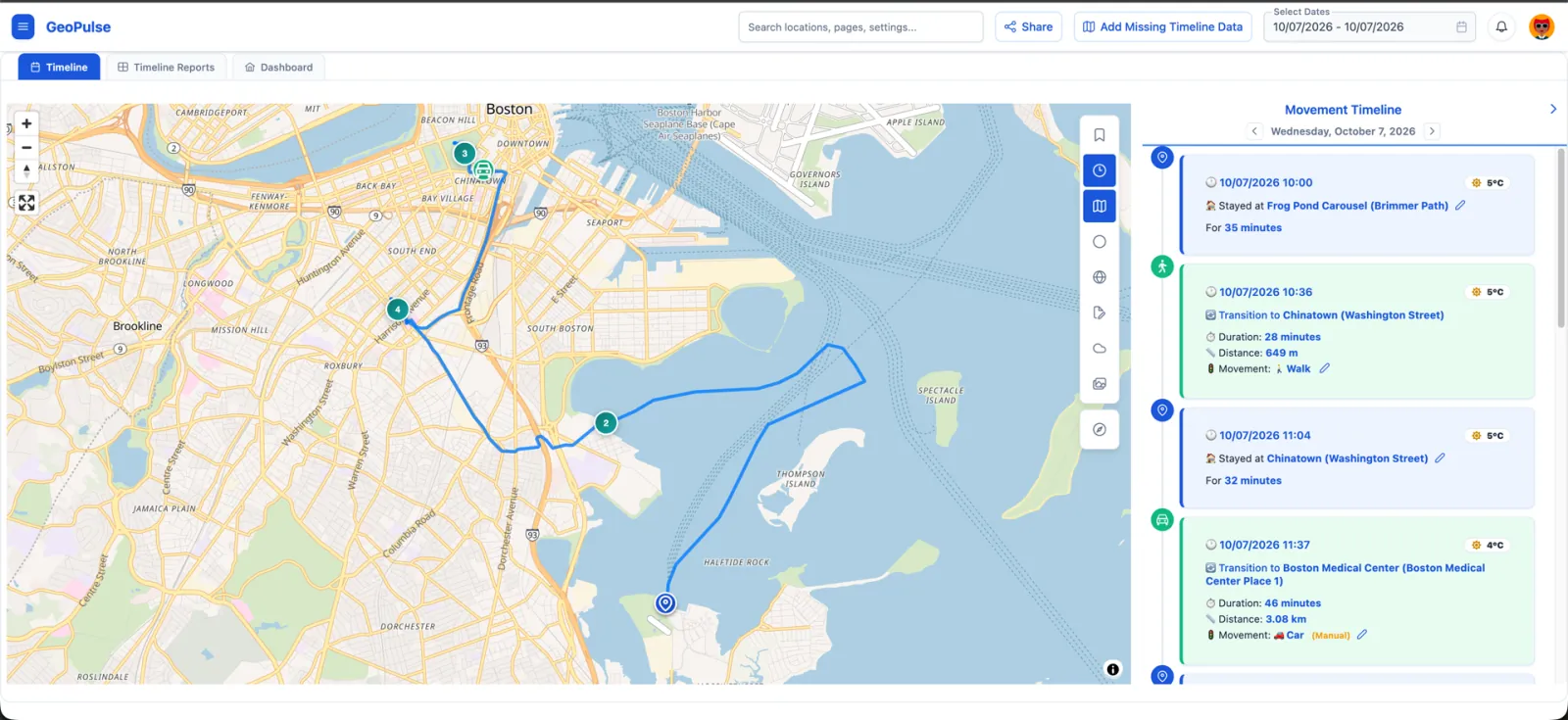
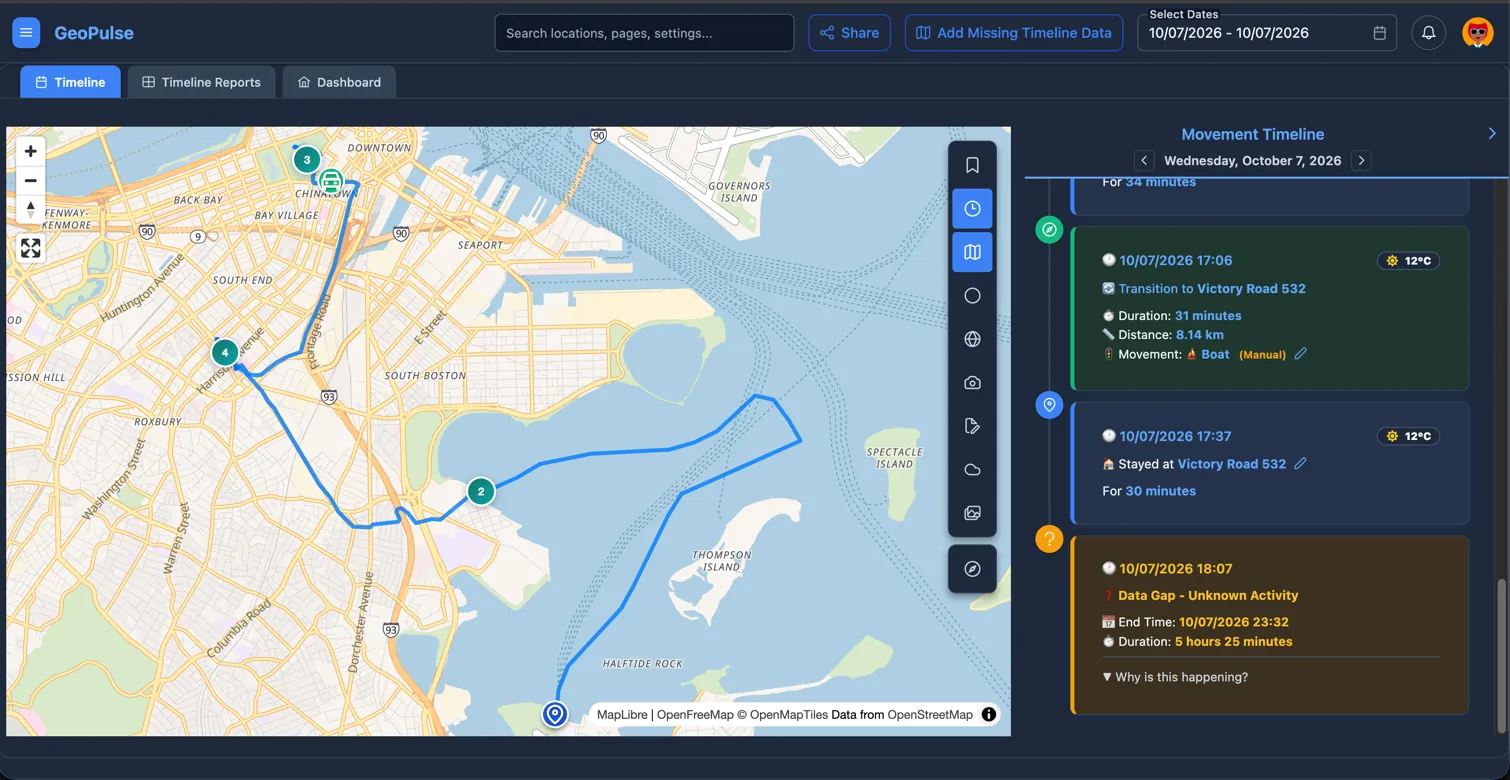
GeoPulse turns GPS points from your trackers, imports, and services into a private timeline of stays, trips, routes, places, photos, weather, and movement analytics, all hosted on your own server.
It is built for people who want the useful parts of Google Timeline without handing their location history to someone else. You can connect live GPS sources, import old data, replay routes on a map, compare places and travel patterns, and decide exactly what is shared.
What GeoPulse Helps You Do
Bring in Your Location History
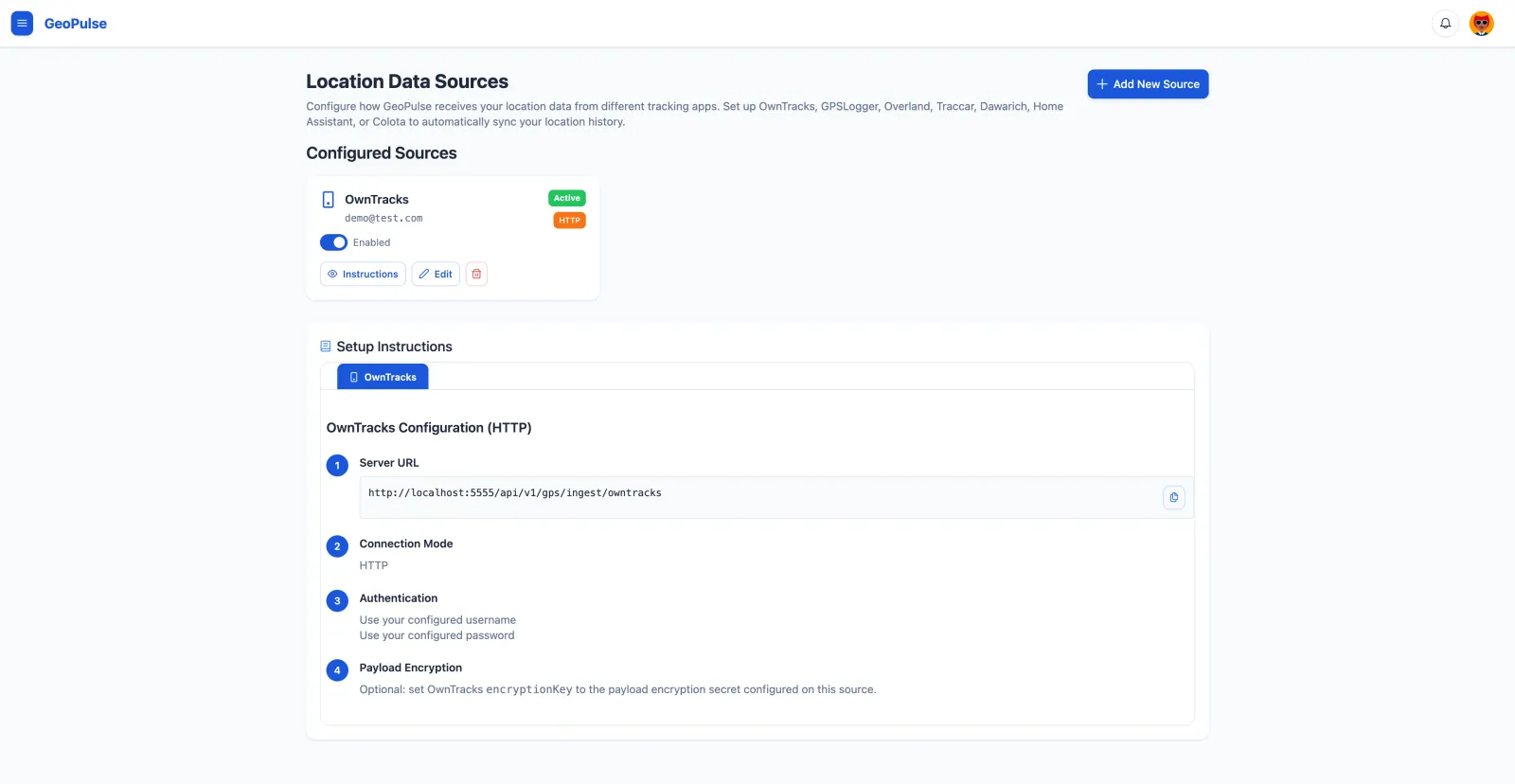
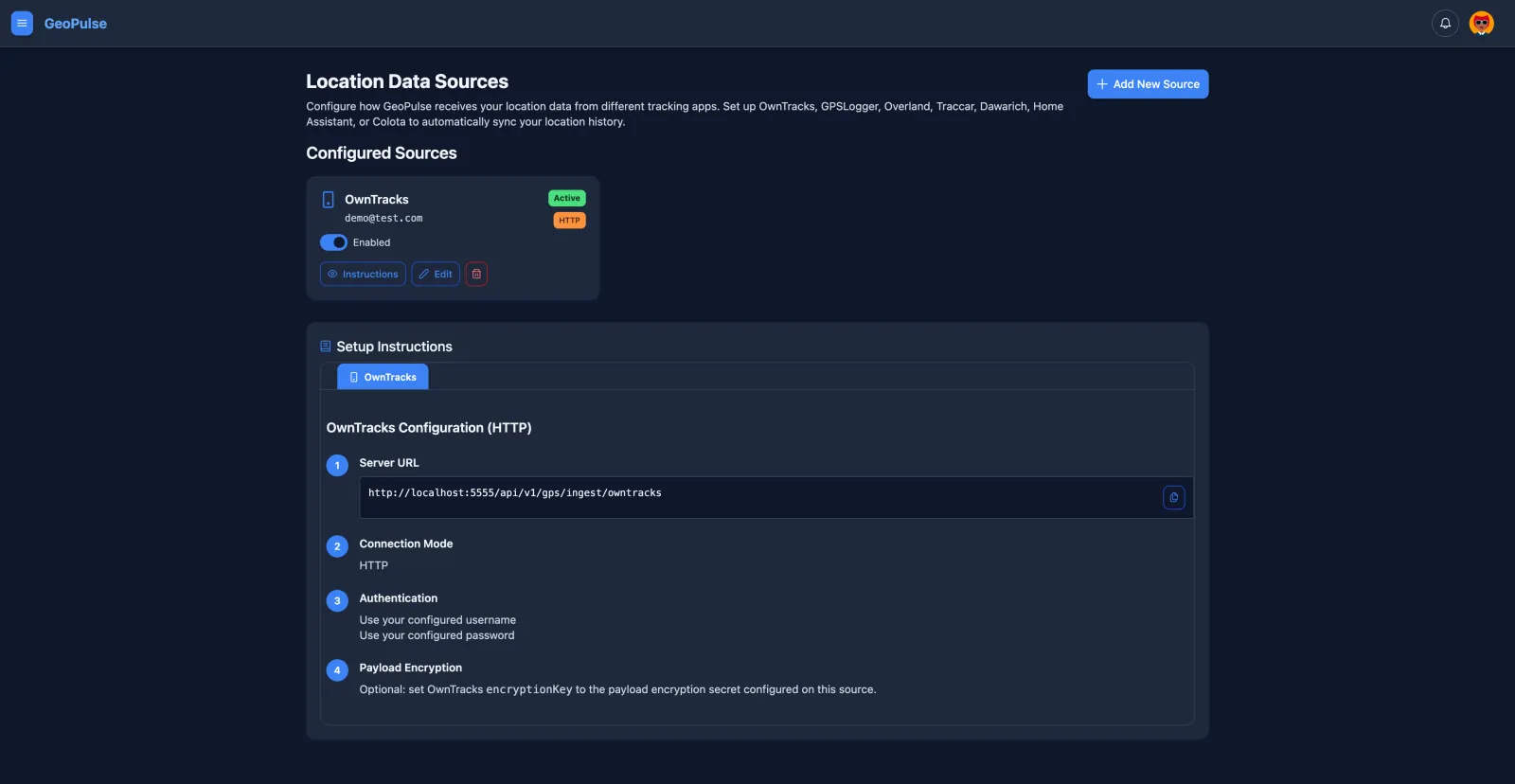
Connect the trackers you already use: OwnTracks, Overland, Dawarich, GPSLogger, Home Assistant, Traccar, and Colota. GeoPulse supports HTTP ingestion, MQTT for OwnTracks, and per-source GPS filtering so inaccurate points do not distort your timeline.
You can also import historical data from GeoPulse backups, OwnTracks exports, Google Timeline, GPX, GeoJSON, and CSV. Imports run in the background and can regenerate your timeline from the data you bring in.
Explore It Like a Timeline
GeoPulse classifies raw points into stays, trips, and data gaps. You can review a day as a route, replay movement on the map, correct movement types, and use favorite places plus reverse geocoding to keep locations readable.
Timeline behavior is fully customizable. Stay detection thresholds, trip detection limits, GPS filtering, movement classification, data gap handling, units, time zones, and related settings can be tuned to match your travel style and the quality of your GPS data.
Use Maps and Analytics That Explain Your Movement
View your history on vector maps or raster maps, switch to custom map tiles, and inspect places by map, city, or country. Location Analytics gives you a Google Timeline-like way to review visits, repeat places, countries, cities, and visit frequency.
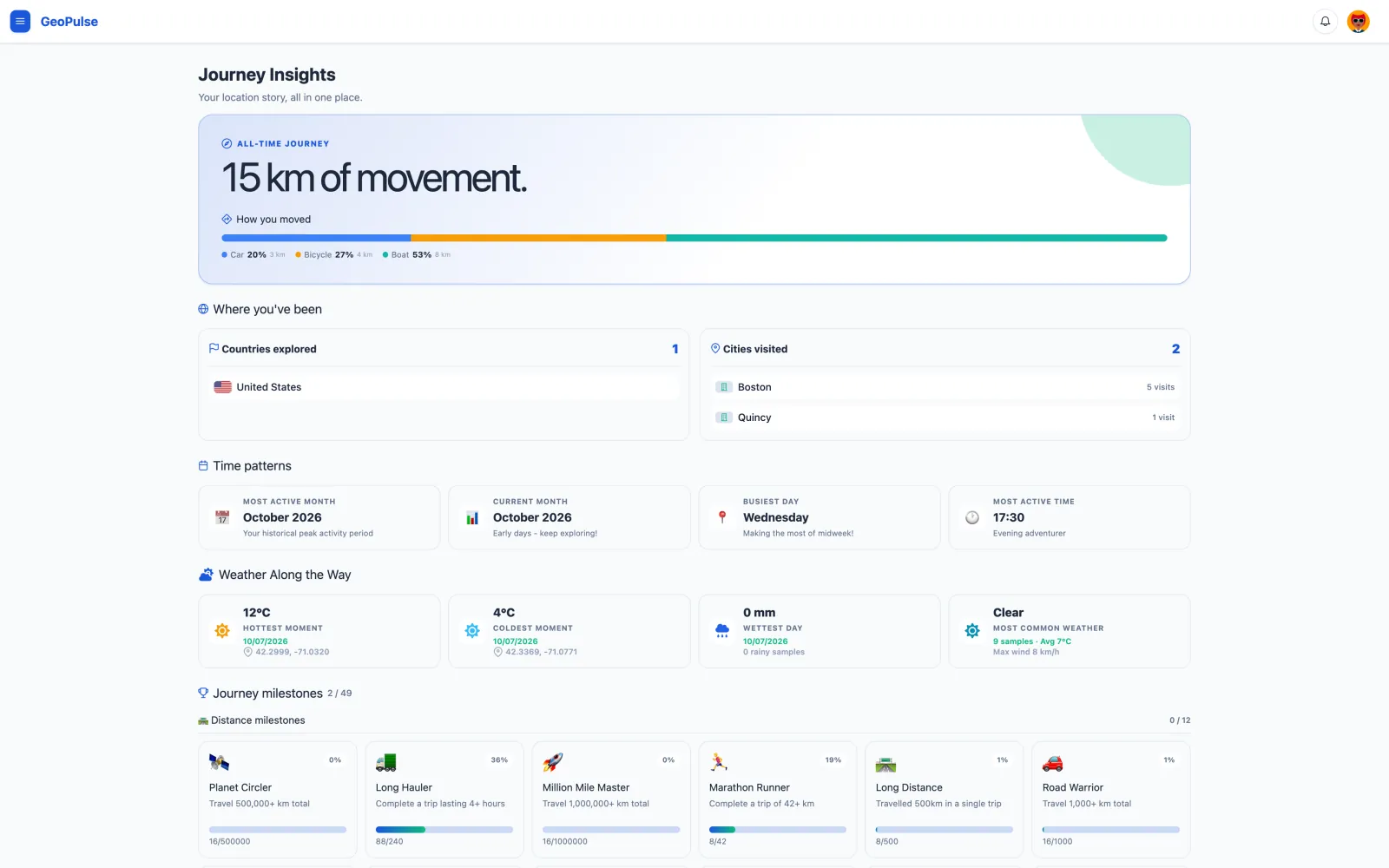
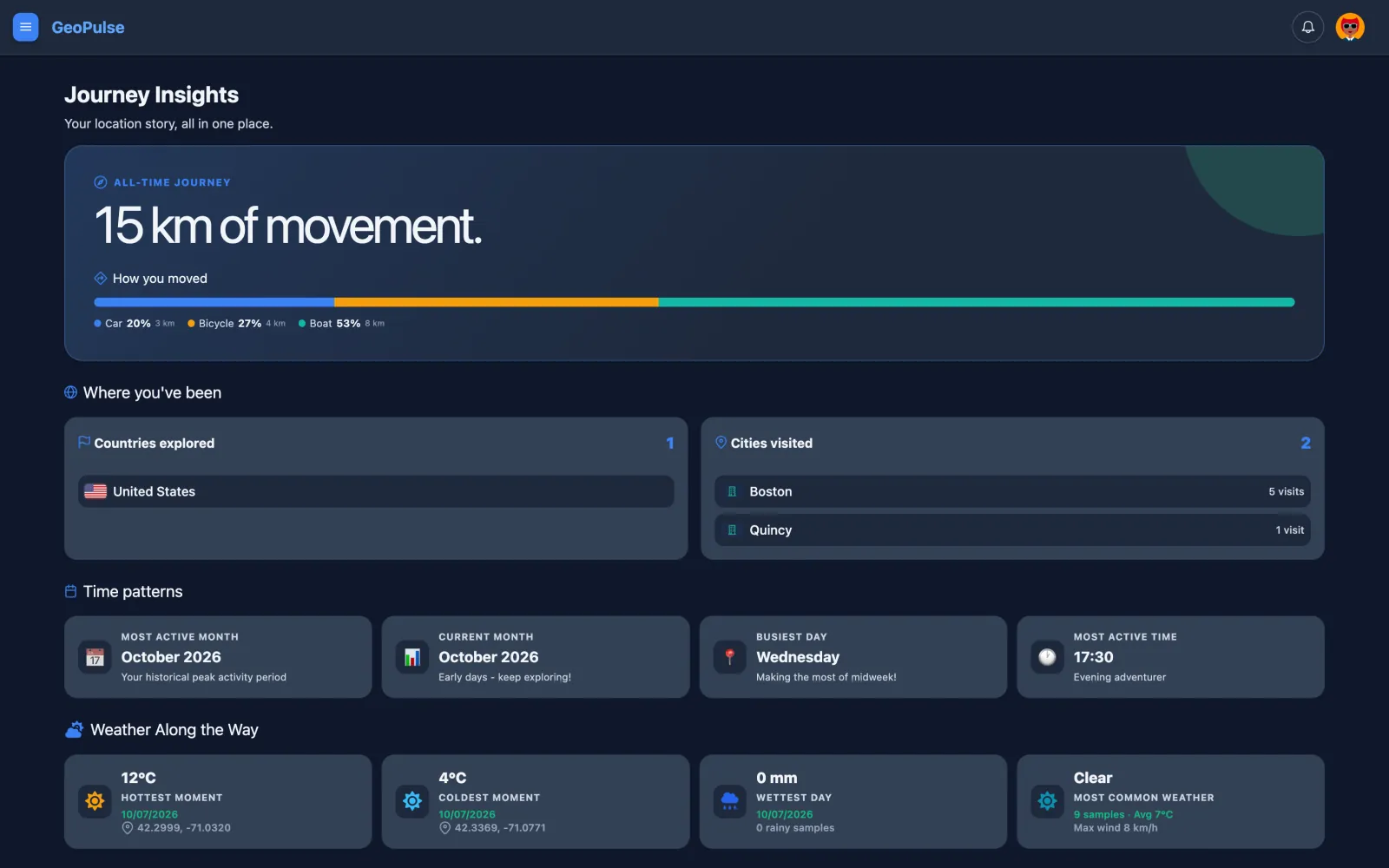
Coverage Explorer shows the streets, blocks, and areas you have already explored. Monthly trends and heatmaps help compare movement over time. Journey Insights calculates travel distance, countries and cities visited, time patterns, milestones, and badges from your timeline data.
Add Context From Your Self-Hosted Stack
GeoPulse can show Immich photos directly on the timeline map for the selected date range, without copying originals out of Immich. It can also bring in Memos notes and enrich stays, trips, map layers, and journey summaries with Weather data.
Use It on Mobile and Share Carefully
The web app is optimized for mobile screens and can be installed as a PWA. You can check your timeline, maps, friends, and shared views from a phone without switching to a separate interface.
Sharing is explicit. Invite friends, choose whether they can see live location or timeline history, and create guest links with optional passwords, expiration dates, and instant revocation.
Stay Self-Hosted by Default
Your location data stays on your infrastructure. GeoPulse has no telemetry or analytics beacons, supports full export and account deletion, and works for multiple users with invitations, roles, admin audit logs, and optional OIDC/SSO.
Administrators can change most operational and feature settings from the UI without restarting the application. GeoPulse is also lightweight in regular use: typically around 50-100 MB RAM and under 1% CPU, with temporary spikes during imports, timeline regeneration, and other background jobs.
Deployment options include Docker Compose, Unraid, Proxmox LXC, Kubernetes/Helm, and manual Linux installation.
Ask Questions With Optional AI
GeoPulse includes an optional AI Assistant for natural-language questions about your own location history. You bring your own OpenAI-compatible API key and model; core timeline generation, Journey Insights, maps, and analytics do not depend on AI.
Next Steps
- Quick Start - Reach first login and connect your first location source
- GPS Sources - Connect trackers and configure live ingestion
- Import and Export - Migrate history or export your data
- Deployment - Choose Docker Compose, Unraid, Proxmox, Kubernetes, Helm, or manual installation
- Initial Setup - Configure authentication, users, and integrations